Why Brand Consistency Breaks with AI — and How Brand Memory Fixes It
Most AI image tools generate one-off images with no style memory. CanArt's Brand Memory learns your visual identity and keeps every output consistent. Here's how it works.
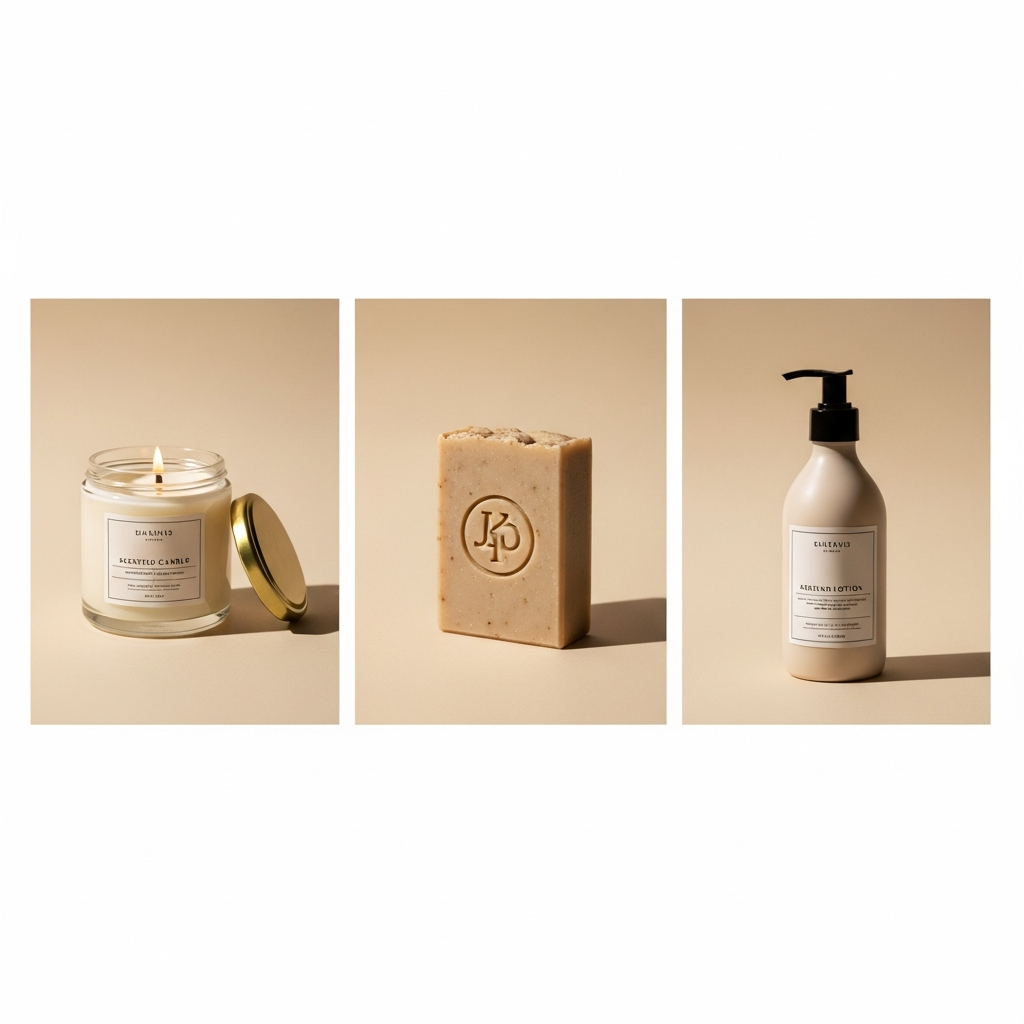
You've seen it before: a seller uses AI to generate product images. Monday's batch looks warm and minimal. Tuesday's looks neon and maximalist. By Friday, the Shopee listing looks like 5 different stores.
AI image tools have no memory. Every generation starts from zero.
The Problem
| Session | Prompt | Result |
|---|---|---|
| Monday | "Coffee mug product photo" | Warm, wooden, lifestyle |
| Tuesday | "Coffee mug product photo" | Cold, studio, clinical |
| Wednesday | "Coffee mug product photo" | Vintage, moody, filtered |
Same prompt, different outputs every time. No consistency.
For a personal social media post, this is fine. For a brand, it's death.
What Brand Memory Does
CanArt's Brand Memory is different from "style presets" or "LoRA models." It's a learning system that observes your preferences over time.
How It Works
- First session: You tell CanArt what you like — "warm tones, minimal, clean backgrounds"
- CanArt remembers: Saves your preferences to your personal workspace
- Next session: Automatically applies your style without being told
- Over time: Gets better at predicting what you want
It's like working with a designer who has been with your brand for months — they just know what you mean by "on-brand."
What Gets Remembered
- Color temperature preferences (warm/cool)
- Background styles (clean/busy/textured)
- Composition patterns (centered/rule-of-thirds)
- Typography preferences (serif/sans-serif, size ratios)
- Aspect ratios you use most
- Editing style (subtle/dramatic)
What Doesn't Get Remembered
- Individual prompts (privacy — deleted after 30 days)
- Personal information
- Payment details
Real Impact: A Case Study
A cross-border skincare seller switched from Midjourney to CanArt:
Before (Midjourney):
- Every batch looked different
- Spent 30 min/session re-describing brand style
- Had to manually reject 60% of outputs for inconsistency
- Listings looked "AI-generated" and cheap
After (CanArt with Brand Memory):
- Every batch matched the brand aesthetic
- Zero time re-describing style after week 1
- Acceptance rate went from 40% to 85%
- Listings looked cohesive and professional
How to Build Your Brand Memory in CanArt
Step 1: Set the foundation
"My brand style: warm earth tones, minimal compositions, clean white or natural backgrounds, modern sans-serif text, 9:16 ratio for XHS"
Step 2: Generate and give feedback
"This is great, but make the lighting softer" "I prefer this warmer tone"
Step 3: Let it learn
After 10-15 generations, CanArt's Brand Memory has a solid model of your preferences. New prompts will automatically inherit your style.
Step 4: Just describe what you need
"Coffee mug product photo"
And it comes out in YOUR brand style. Every time.
Competitors Don't Have This
| Tool | Style Memory | What Happens |
|---|---|---|
| Midjourney | None | Every prompt starts fresh |
| Picsart | None | Template-based, not learned |
| Lovart | Partial | Style references per session only |
| CanArt | Persistent Brand Memory | Learns across sessions |
Try It
Open @canart_bot in Telegram. After your first 5-10 images, you'll notice it starting to "get" your style.
4 free images daily. Brand Memory included in every tier — even free.